The social app for childfree couples
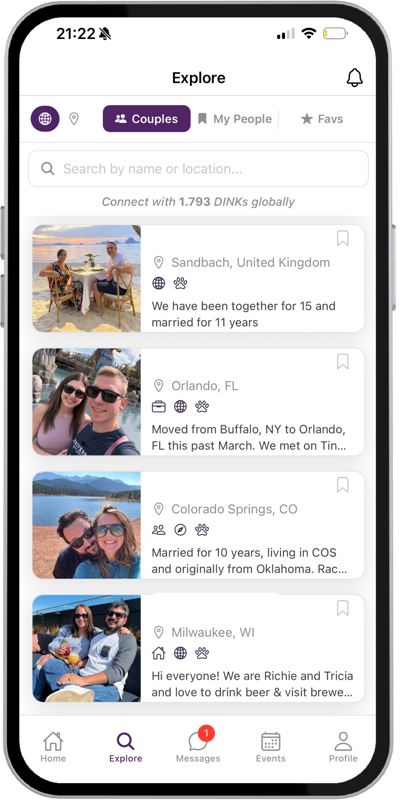
Connect with couples like you
No justifying, no explaining, no pretending.
4.9
App Store rating

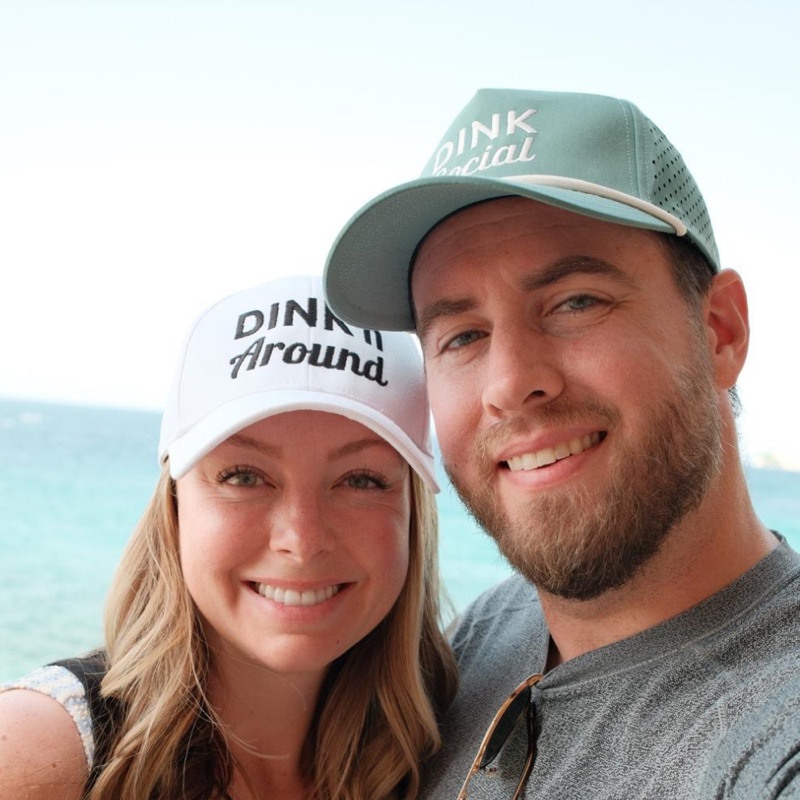
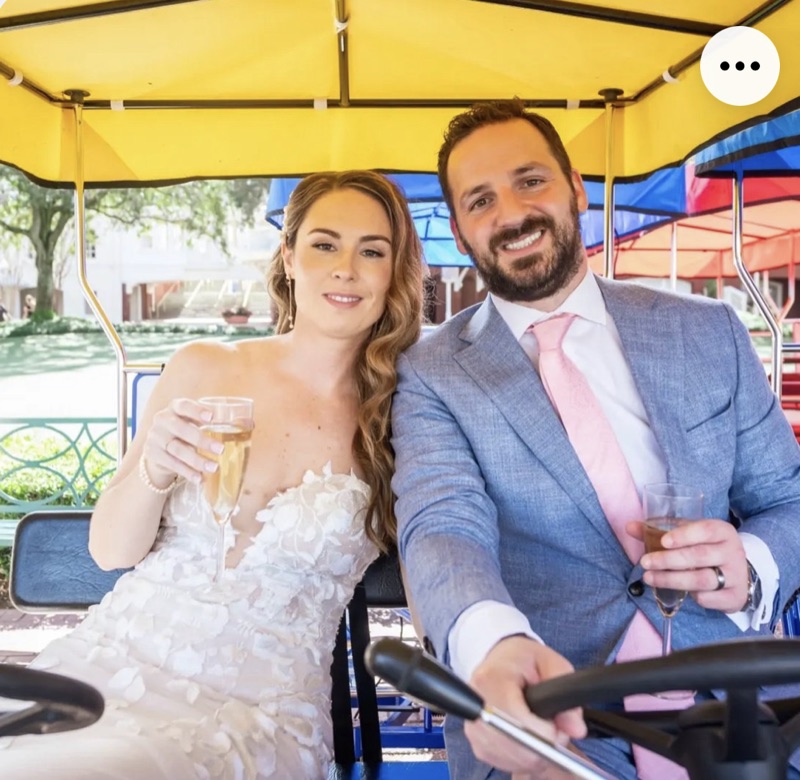
2,500+
Couples
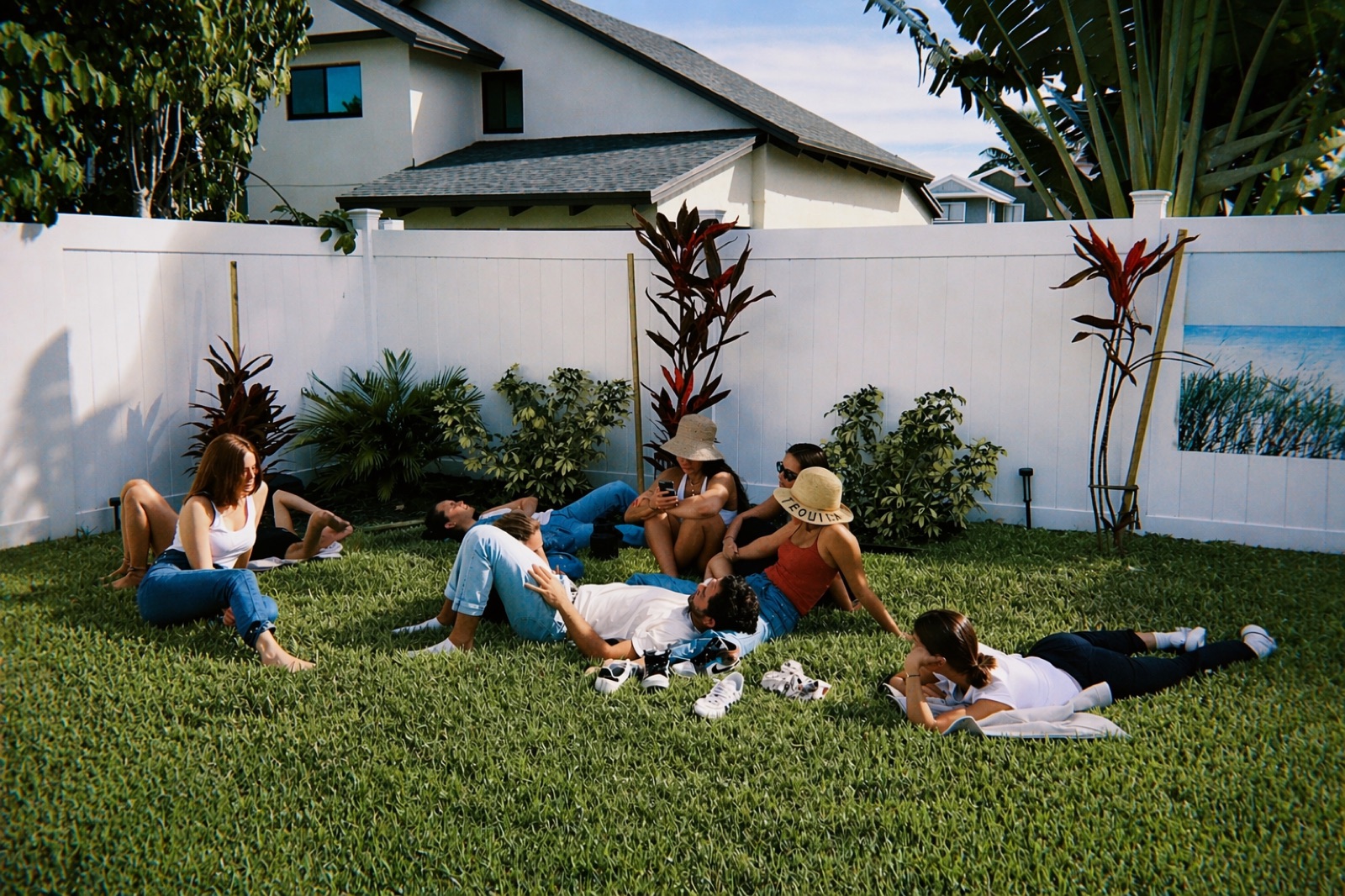
Dinners with friends
Friend groups that form around dinners, not playgrounds.
.bd4e70dec83c479dd577.jpeg)
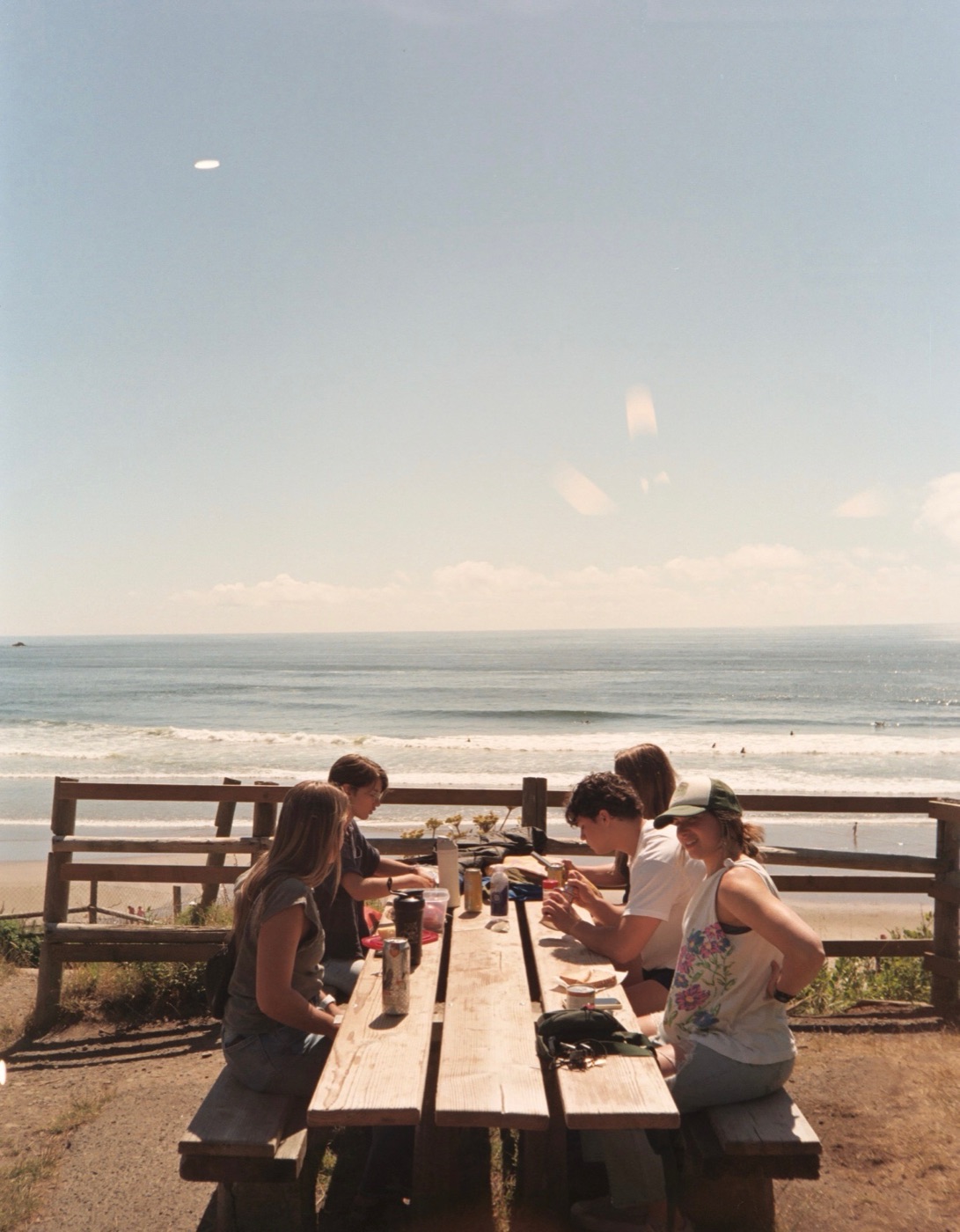
Trips worth taking
Spontaneous weekends with couples who can actually say yes.
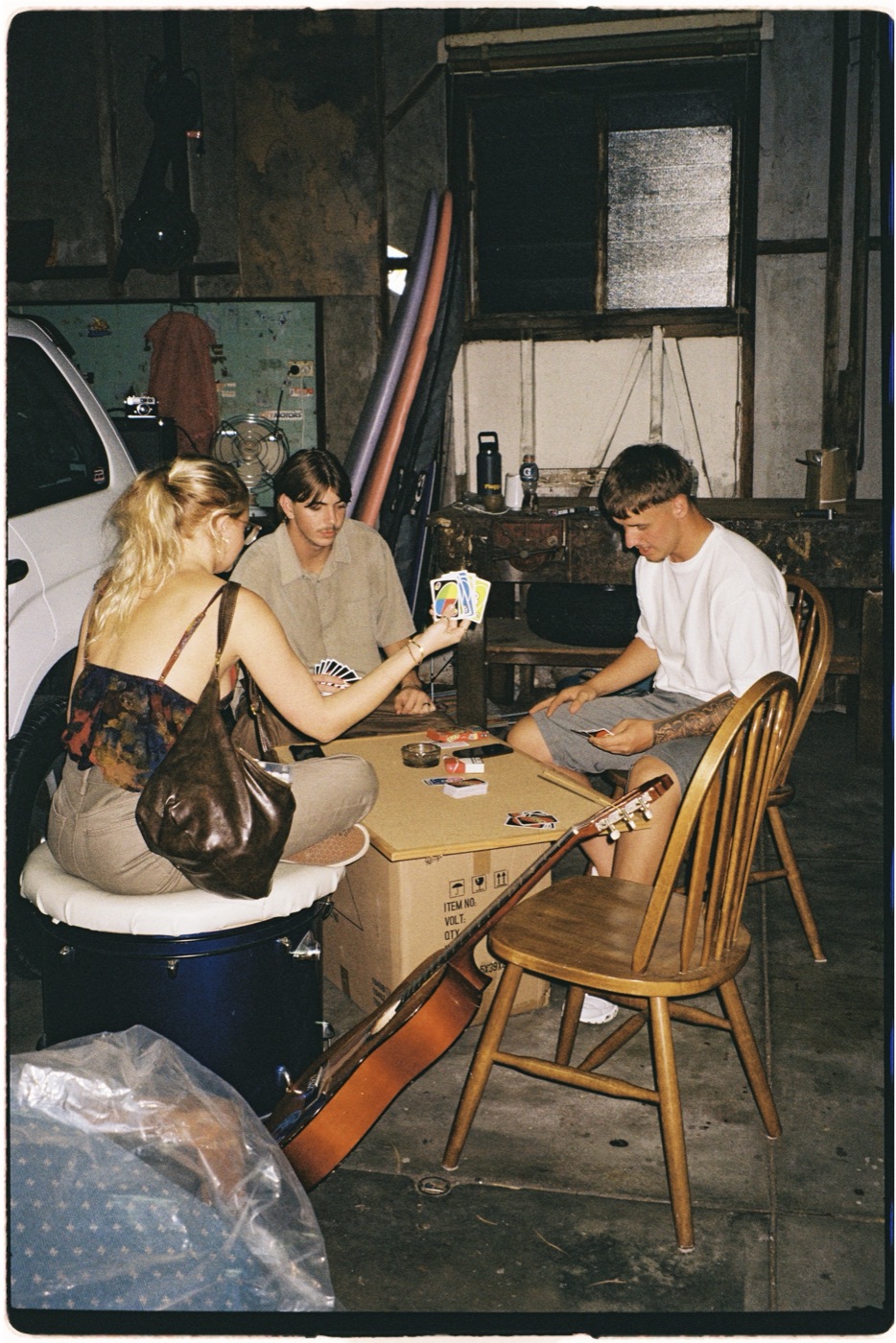
Game nights at home
Hangouts that don't need an occasion.
Living fully, connecting freely
“After two years of struggling to meet like-minded couples since moving to New Jersey, we joined DINK Social and within a month we’ve already made four new friends. We’ve got NYE plans, game nights, and a real sense of community now. Honestly, this platform has been a lifesaver for us.”
Mike & Rebekah“Great app, even greater community of couples! Everyone I’ve met through the DINK Social community has been warm and inviting. If you’re a DINK couple, this is def the place to meet other DINK couples and create meaningful relationships!”
Kat & Josh“DINK Social is the community we’ve been searching for. Like-minded adults unencumbered by finding babysitters and ready for adventures, experiences and just enjoying life. It’s a place where you don’t have to explain "why" and you don’t have to apologize for making the right choices for yourself.”
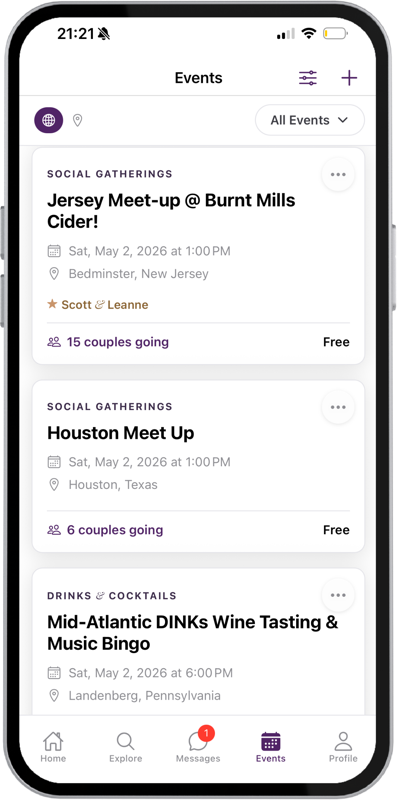
Scott & Leanne“We kept hearing that more and more couples were choosing to be DINKs, but we never seemed to meet any. We have a great group of friends with kids, but we were missing connections with other couples who shared a similar lifestyle. After discovering DINK Social, we started attending, and hosting, events in our area and have already made some great friendships within the community.”
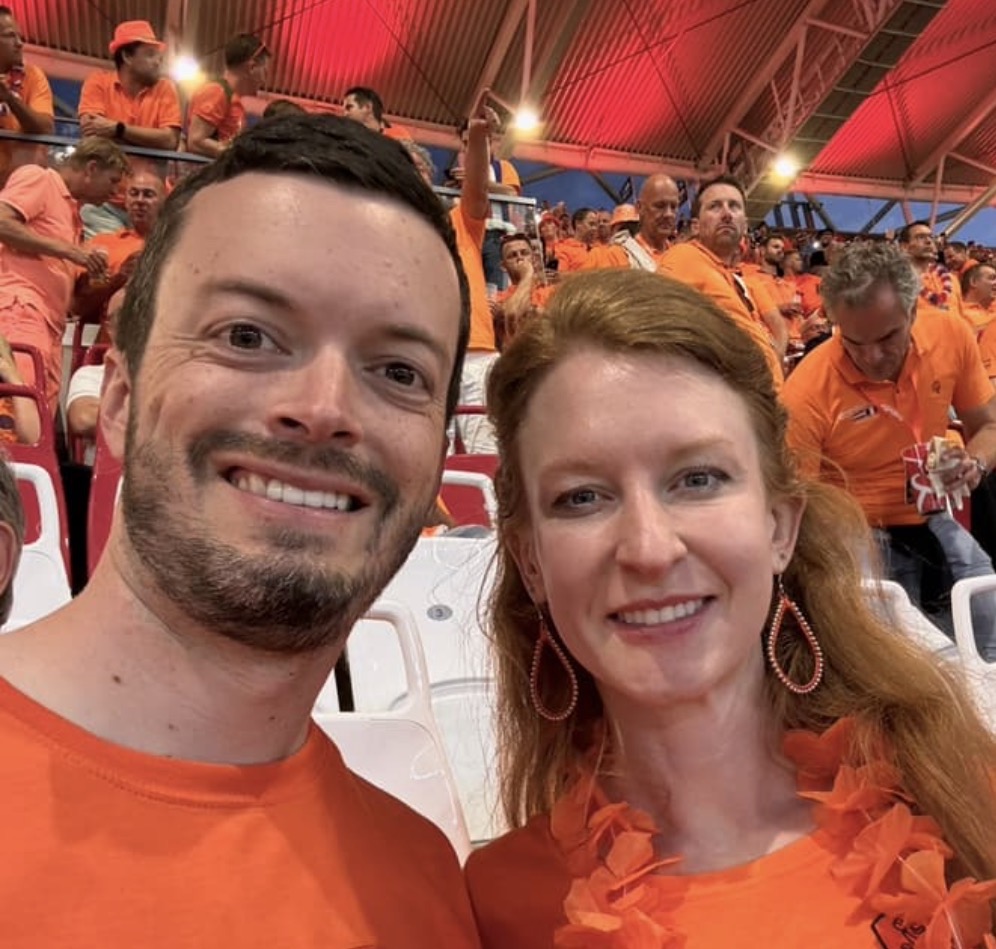 Amanda & Mike
Find your people